Payments
Pay by QR
Paying for something you arranged with us, such as an order, a deposit or a franchise payment? Scan one of the QR codes below with your banking or e-wallet app (InstaPay).
- Confirm the amount with us first. Message us on Facebook, or call or text 0917 709 7279.
- Scan a QR code and send the exact amount. If your app has a message or note field, add your name and what the payment is for.
- Send us a screenshot of your receipt so we can confirm your payment.
On this phone? Tap "Save QR image", then in your app choose Scan QR and pick the picture from your photos or gallery.
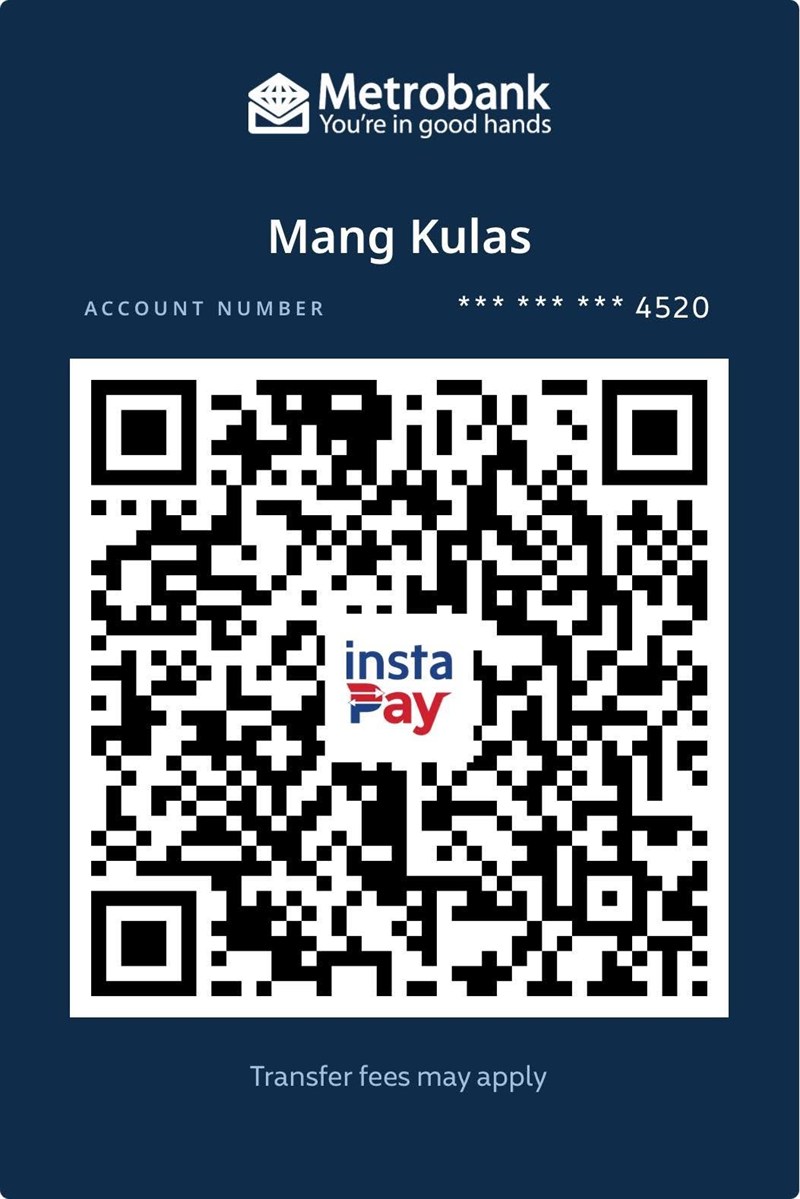
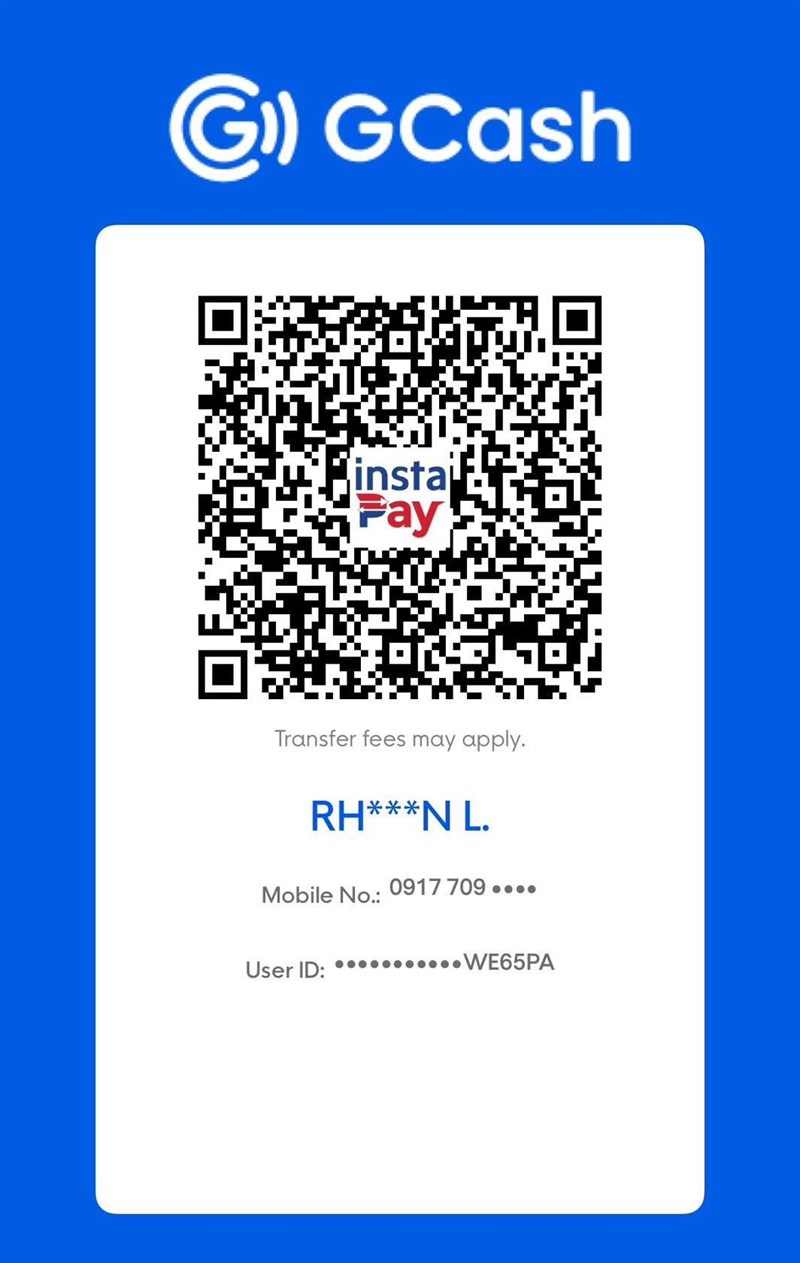
Bank transfer fees may apply, depending on your app.
To be safe, only pay using the QR codes on this page, and message us first if you are ever unsure about an account.
Questions? Contact us, email smokehauznimangkulas@gmail.com, or call 0917 709 7279.